


- You can pay in full or via a payment plan
- Payment can be made in person (cash, check or credit card) at the Student Accounts Office or online through iConnect (Choose Pay My Bill)
- Guest Students are not eligible for Financial Aid
Guest/Visiting Student Information
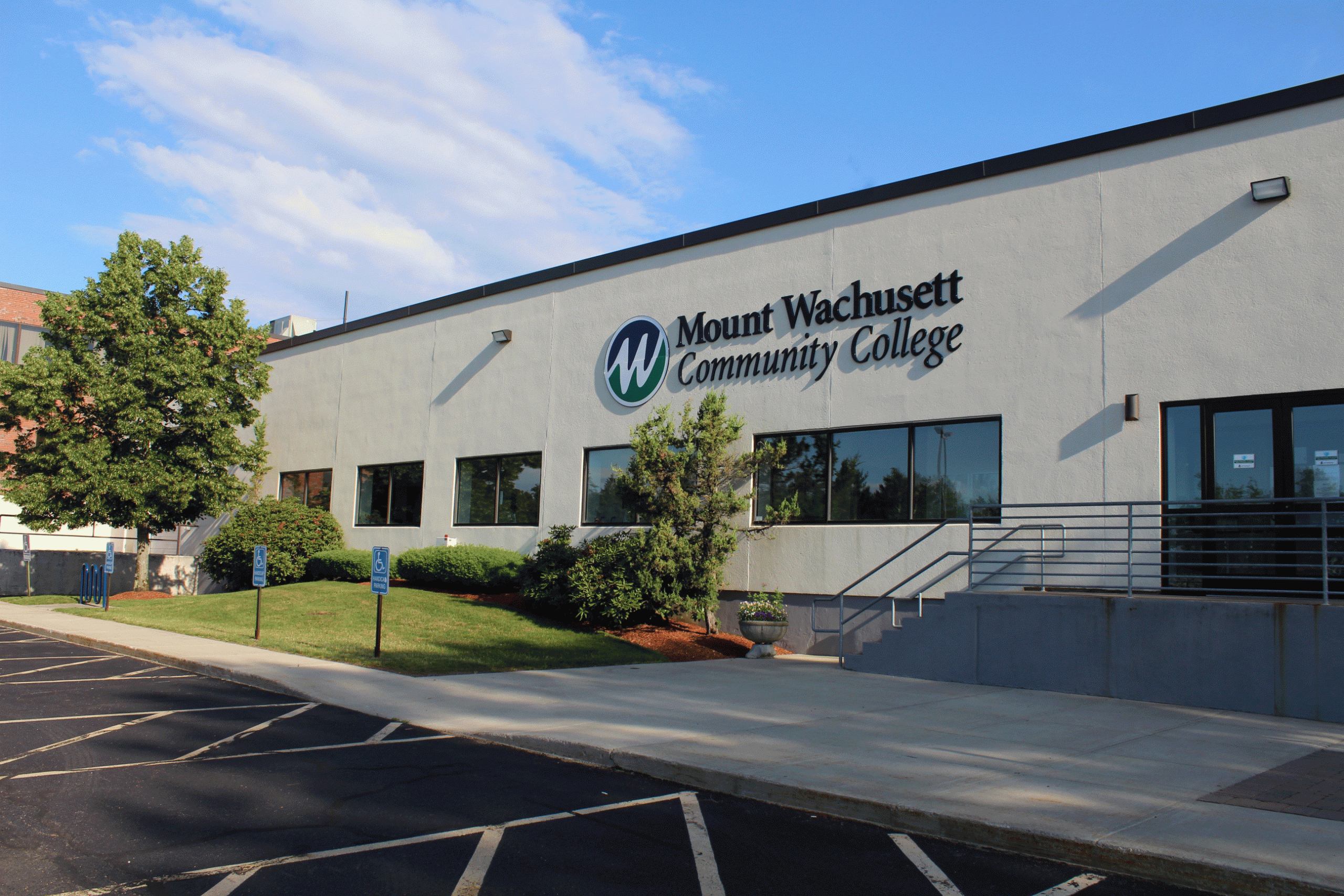
Guest Students At MWCC
MWCC offers courses for everyone—even if you’re not planning to earn a degree here. You can take one class, a few classes, or attend for just a semester. Many students from four-year colleges choose to take a course at MWCC during the summer to catch up or get ahead.
Taking a class at MWCC can also help lighten your course load later, giving you more time to focus on your studies, work, or other activities. To learn more about tuition and fees, please visit the Cost to Attend page.
How To Apply As A Guest Student
Whether you are planning to take a few courses for credit to transfer back to your college or university, or you’re getting started on a new degree, make the most of your time here at MWCC! Ready to be a guest student?
- Apply to MWCC and choose “Guest Student – Not Seeking a Degree” as your major.” after the “Apply to MWCC” in #1
- Obtain your unofficial transcripts from your current college/university
- After applying, you will receive information to access your student portal, along with a Guest Registration Form where you will be able to upload your transcripts.
An admissions representative will reach out to you after you submit your application. If you need assistance with the application please contact Admissions.
FAQs
Activate iConnect: iConnect allows you to access online course content, check and pay your bill, check your schedule and find your books.
- Go to iConnect
- Click “Activate Your Account”
- Fill in the form and submit (write down your username and password)
- Learn how to use iConnect
You will need a student ID to activate your iConnect account. This will be provided in your acceptance packet soon after applying. If you didn’t receive your ID or lost your ID number, please contact Admissions to securely provide it to you.
Activate Student Email: Your MWCC email account is your official means of communication with MWCC and you should check it daily.
- Log into iConnect
- Click the Gmail icon under “My Apps”
- Enter the captcha code and submit
- Your email will be [your iConnect username]@mwcc.edu (e.g. if your username is “tjones” your email will be tjones@mwcc.edu)
When completing the application, choose “No Program – Not Seeking a Degree” as your intended program of study. We can always change this if you choose a different program at MWCC.
Transcript(s) will need to demonstrate successful completion of pre-requisite courses at your current college/university. For example, if you wanted to register for ENG 102 and transfer it back to your current college/university, your transcript needs to show successful completion of ENG 101 (or its equivalent).
Ready To Take The Next Step?
Your journey starts with a single step. We have all the information you need to move forward with confidence. Reach out today to learn more about life at The Mount and how to get started.




Contact And Hours
If you have any questions about applying to Mount Wachusett Community College, please contact us:
978-630-9525
Mondays – Thursdays: 8 am – 6 pm
Fridays: 8 am – 4 pm